
Active Job Magnet
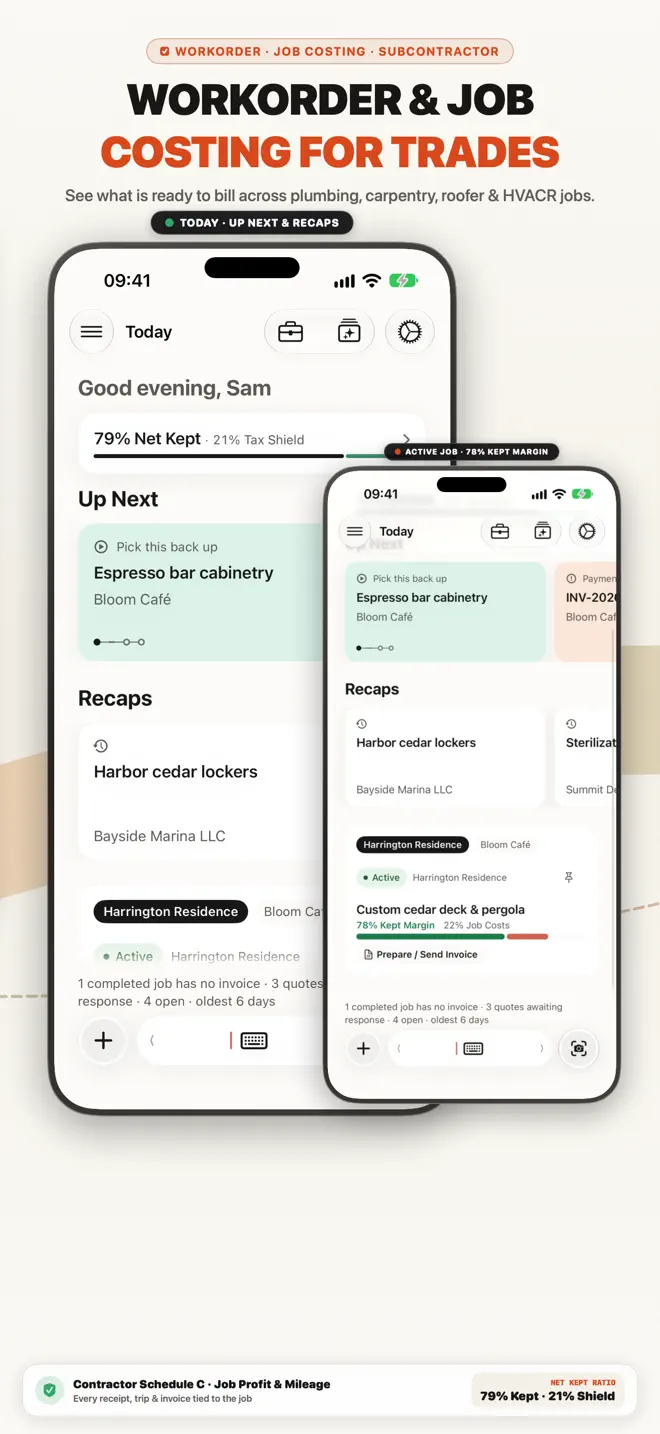
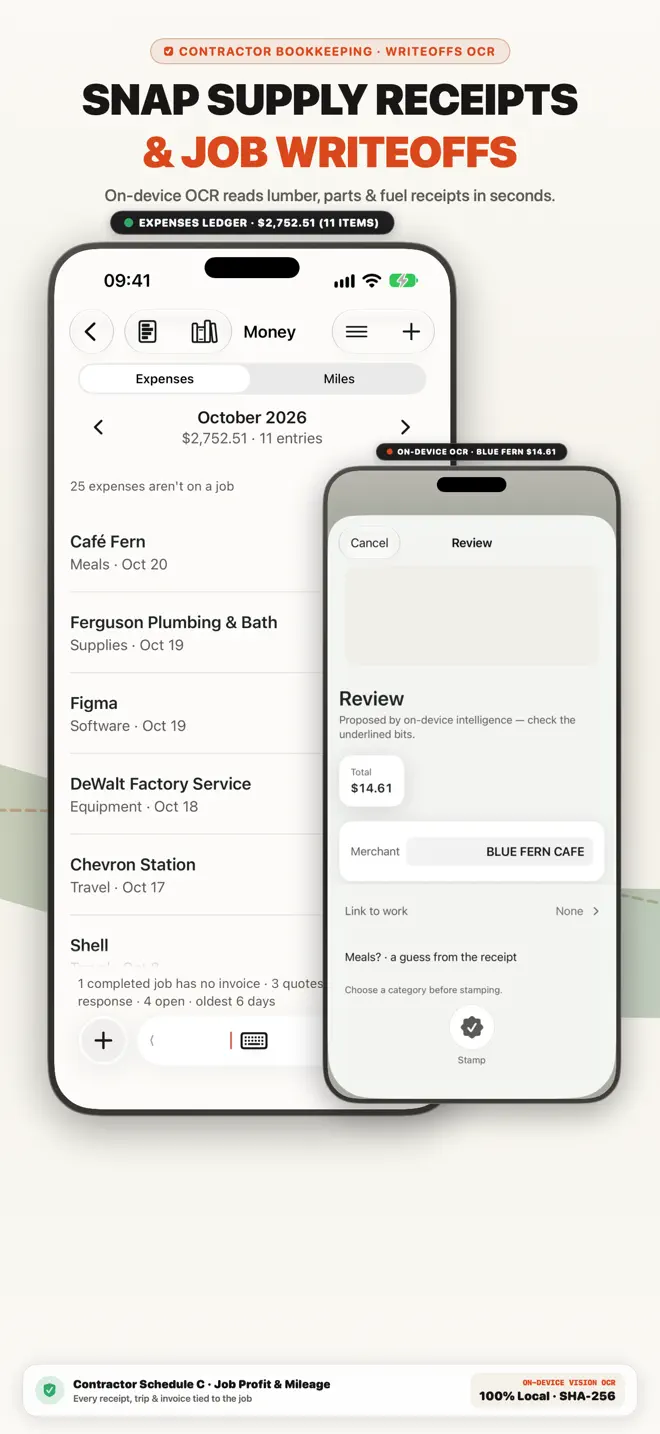
Pin your current job or client project so every scanned receipt and logged mile attaches to it automatically.
App Store Edition · Work Orders & Field Job Log · US · CA · AU · NZ · UK
Whether you are logging a field service work order, a freelance design/video production shoot, a consulting engagement or a solo service appointment, keeping work notes, expenses and invoices in separate apps guarantees things slip through the cracks. Keel’s Active Job Magnet and 1-Line Dock attach every quote, receipt, mile and invoice to the active job on your iPhone. Free to download on the App Store.

Free to download · No bank connection · App Store Custom Product Page matched

Free general contractor invoice maker
Fill it in, then download a PDF. Nothing you type leaves this page. No signup.
Your business name
Bill to
Client name
| Description | Qty | Unit | Rate | Amount |
|---|---|---|---|---|
| Labor | hours | |||
| Materials | flat | |||
| Equipment rental | days | |||
| Permits and inspection fees | flat | |||
| Subcontracted work | flat |
Subtotal0.00
Tax (0%)0.00
Total0.00
✓ Verified Itemized Record · Statutory Tax & Audit Format
Issued with Keel — Free Private iPhone Invoicing (App Store) · Retain this copy for statutory tax, payment, and warranty substantiation.
Save your invoice in Keel iCloud Workspace & download PDF
Sign in with your Apple ID in 1 tap to save this invoice to your 5 free iCloud records, export a clean PDF, and open it on your iPhone for unlimited invoicing.
Sign in with your Apple ID (iCloud) to save your invoice and export PDF/CSV.
Step 2 · Want unlimited invoices, saved clients & payment tracking? Open your iCloud Workspace on iPhone below.
Official App Store Custom Product Page · Work Orders and Field Job Log
1-Line Gloved-Thumb Dock & Active Job Magnet: log work orders, client deliverables, receipts & miles in one line and convert to a PDF invoice ($0/mo).

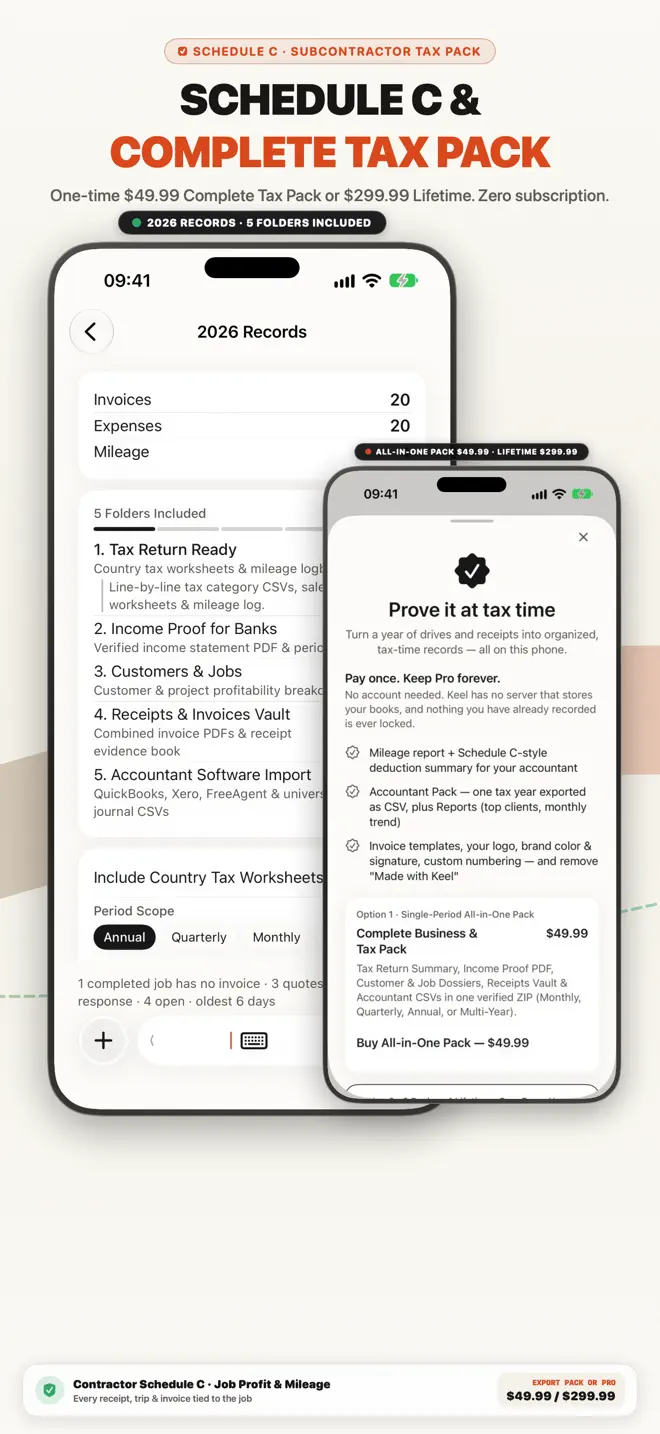
Work Orders, Project Logs & 1-Line Job Costing for All Self-Employed Pros
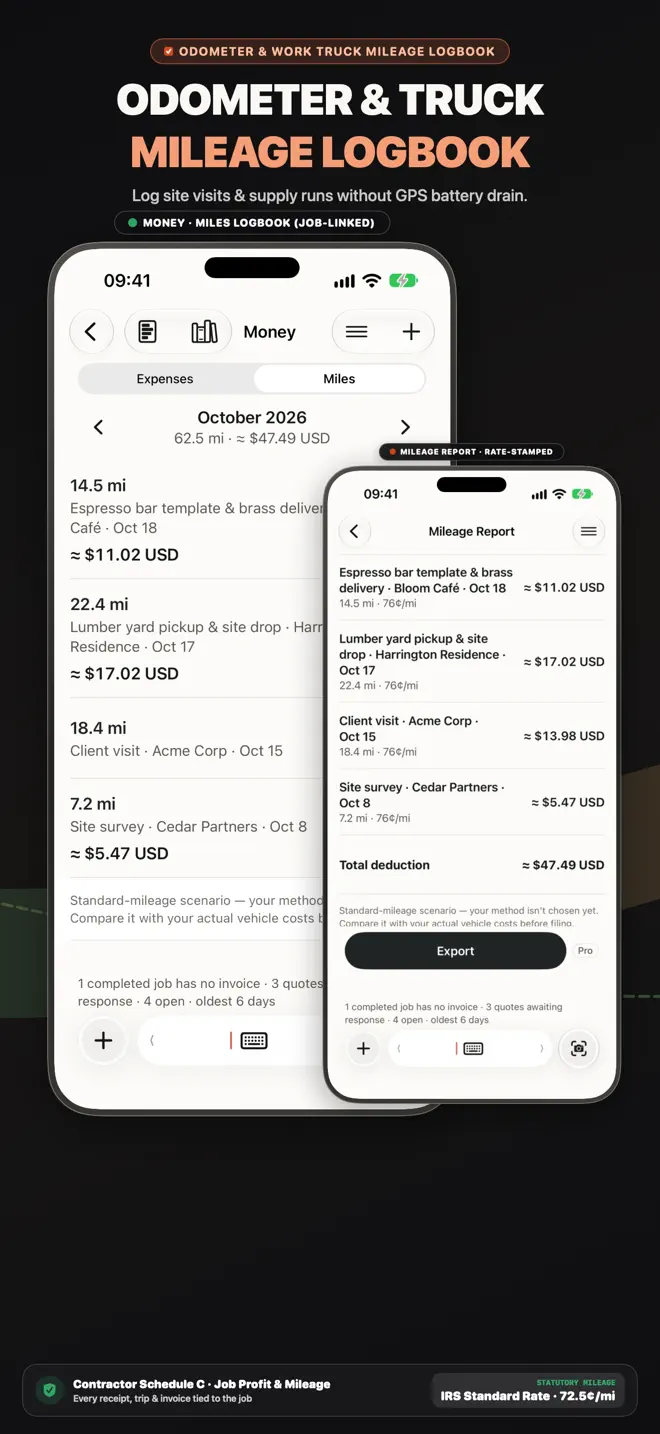
In Keel’s 1-Line Dock, typing a quick entry like "Harrington $120 materials, 18 mi" logs the job cost and the trip simultaneously under the active work order—ready to bill when the work is done.
Pin your current job or client project so every scanned receipt and logged mile attaches to it automatically.
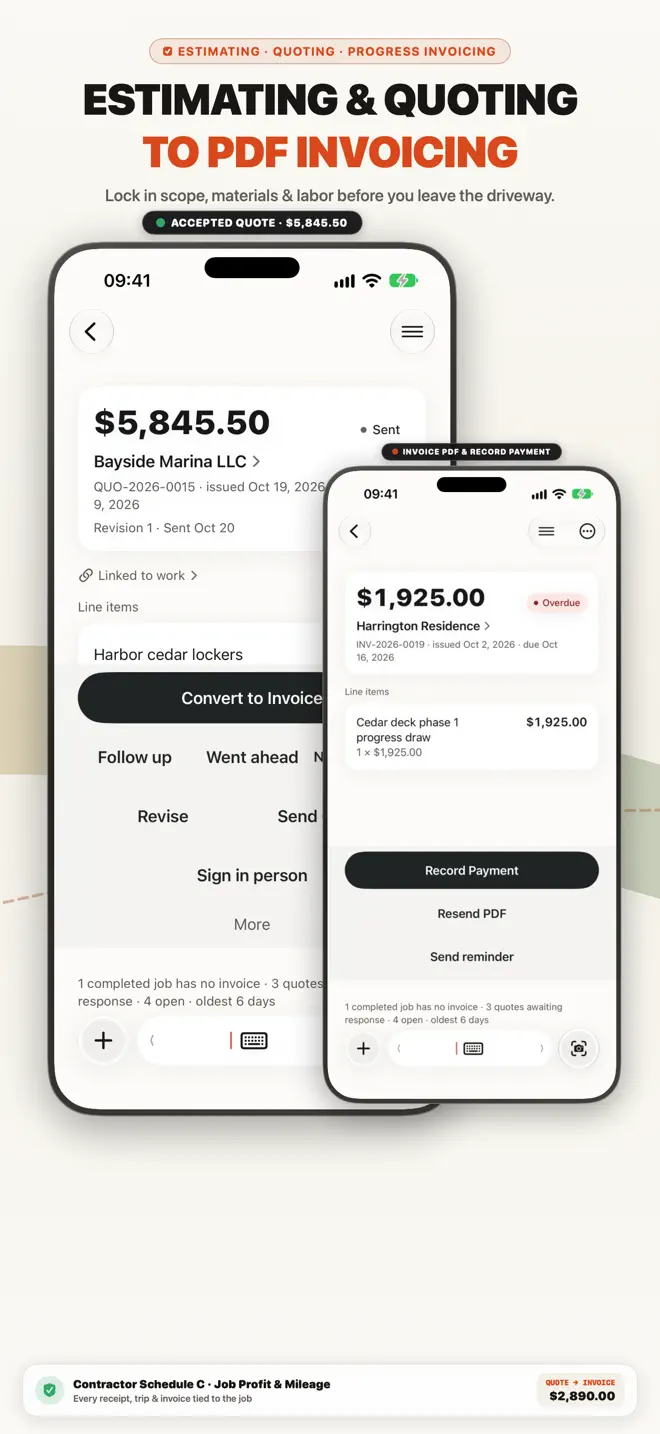
Turn completed work orders, project milestones and billable expenses into a numbered PDF invoice in one tap.
See gross billed vs job expenses and mileage on every work order so you know what you actually kept.
Built for solo operators, first-time business owners and 1–5 person crews.
Free to download on the App Store.
Jobs
Every expense and invoice is a step of a job, and all of it is kept with that job — so you can see what a job cost and what you billed.
Estimates
Write the estimate on site and send it while the customer is still standing there. When they say yes, turn it into an invoice draft — Today flags accepted quotes ready to convert.
Invoices
Clean PDF invoices with taxes, discounts and payment terms, sent by email, Messages or WhatsApp. Add a payment QR code; line items you have used before are suggested, priced from your own history.
Receipts
Photograph a receipt while it is still in your hand and file it against the customer or the job.
Mileage
Record business trips as you go, and keep the mileage log with the rest of your records.
Customers
A small CRM built in: each customer’s jobs, invoices and payment history in one place.
Try our browser tools with no login required, or compare how Keel stacks up.
54 guides in this edition
Every guide below answers a question this edition is built for, and opens this same App Store page.
Free to download on the App Store. Free to download · No bank connection.
Search every guide in the Business Library — invoicing, expenses, mileage, tax and the rules where you work.