
Built-in competitor presets
Recognises exported CSV columns from major invoicing, mileage and bookkeeping apps.
App Store Edition · Switch & Import CSV / ZIP · US · CA · AU · NZ · UK
Do not let years of client invoices and expense history hold you hostage in an overpriced app. Export your CSV or ZIP archive from your old software and bring your clients, invoices and expenses straight onto your iPhone. Free to download on the App Store.

Free to download · No bank connection · App Store Custom Product Page matched

Free general contractor invoice maker
Fill it in, then download a PDF. Nothing you type leaves this page. No signup.
Your business name
Bill to
Client name
| Description | Qty | Unit | Rate | Amount |
|---|---|---|---|---|
| Labor | hours | |||
| Materials | flat | |||
| Equipment rental | days | |||
| Permits and inspection fees | flat | |||
| Subcontracted work | flat |
Subtotal0.00
Tax (0%)0.00
Total0.00
✓ Verified Itemized Record · Statutory Tax & Audit Format
Issued with Keel — Free Private iPhone Invoicing (App Store) · Retain this copy for statutory tax, payment, and warranty substantiation.
Save your invoice in Keel iCloud Workspace & download PDF
Sign in with your Apple ID in 1 tap to save this invoice to your 5 free iCloud records, export a clean PDF, and open it on your iPhone for unlimited invoicing.
Sign in with your Apple ID (iCloud) to save your invoice and export PDF/CSV.
Step 2 · Want unlimited invoices, saved clients & payment tracking? Open your iCloud Workspace on iPhone below.
Official App Store Custom Product Page · Switch and Import CSV ZIP
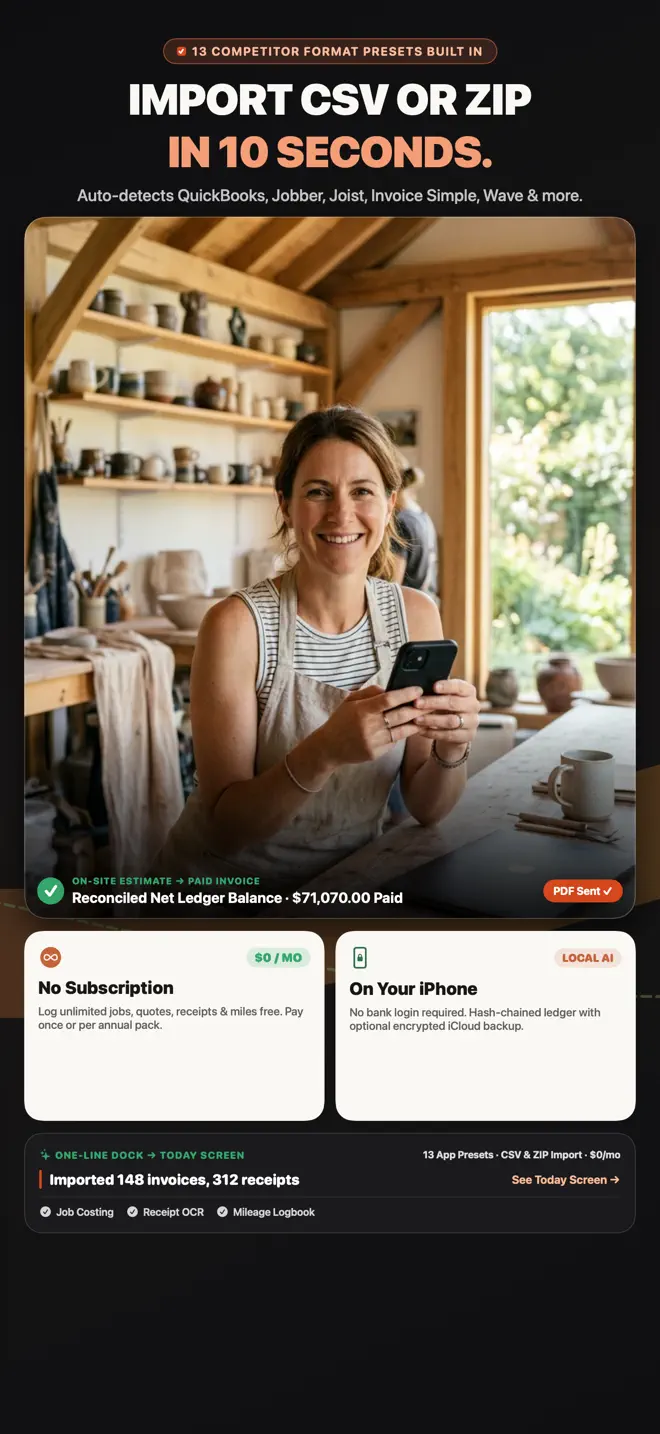
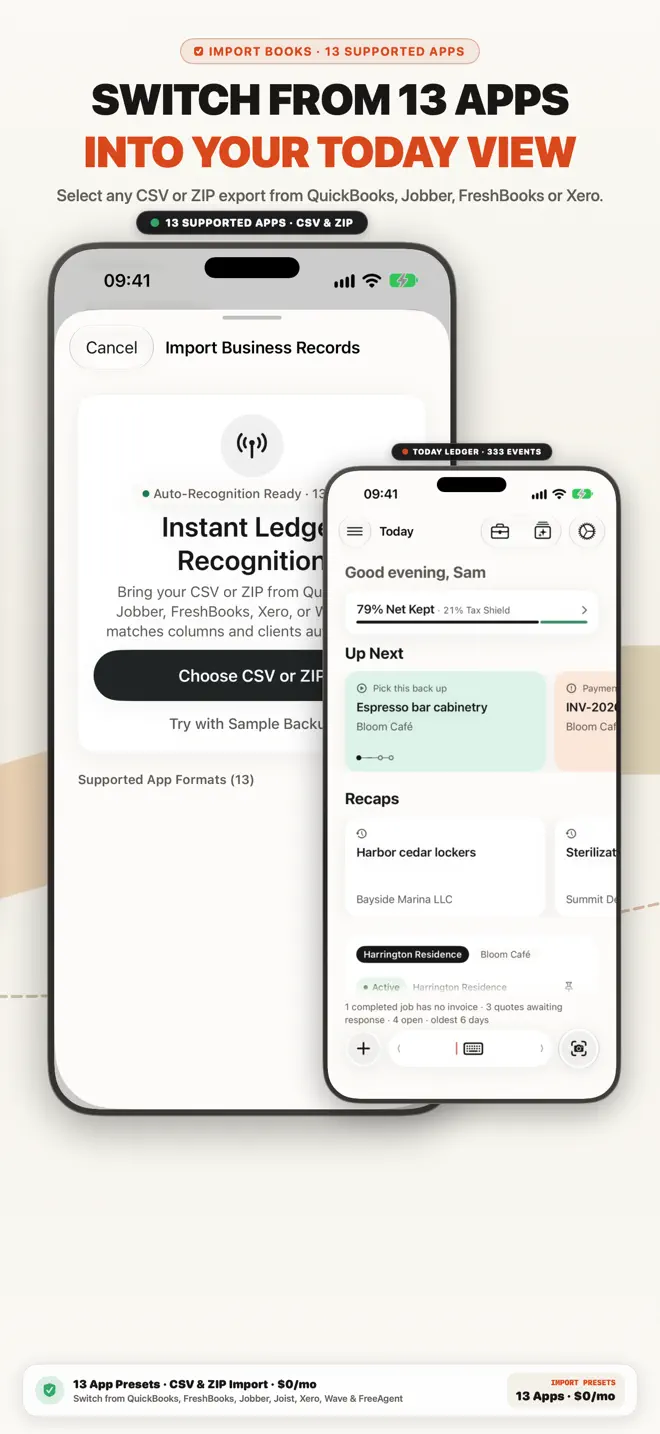
Switch from QuickBooks, FreshBooks, Jobber, Joist, Xero or Wave in 1 tap: import CSV/ZIP history into a 3-Space Customer 1st Ledger with zero monthly fees.
Competitor Switchers & CSV/ZIP Migration
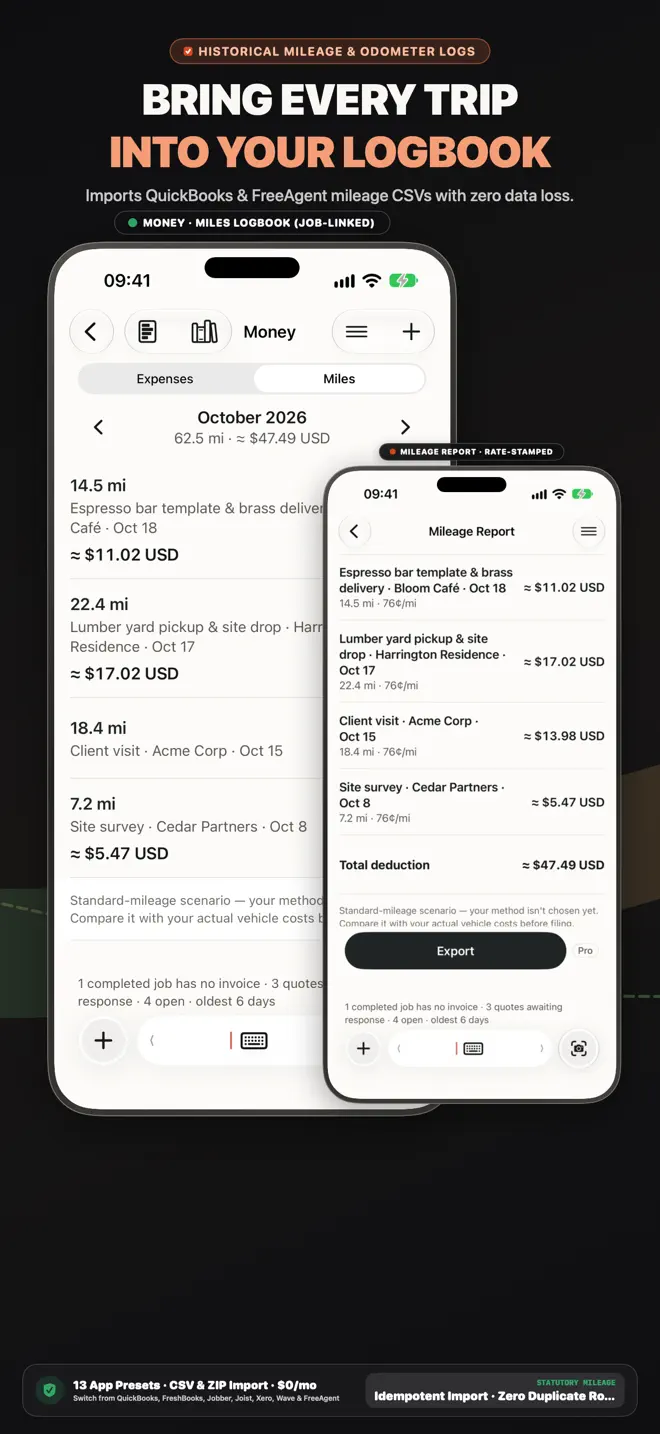
The #1 reason solo business owners stay stuck in complex software is fear of losing past records. Keel imports standard CSV and ZIP exports directly on-device.
Recognises exported CSV columns from major invoicing, mileage and bookkeeping apps.
Your historical CSV or ZIP file is parsed locally on your iPhone—never uploaded to a cloud server.
Just as easily as you import, Keel lets you export open CSV and PDF archives whenever you want.
Built for solo operators, first-time business owners and 1–5 person crews.
Free to download on the App Store.
Customers
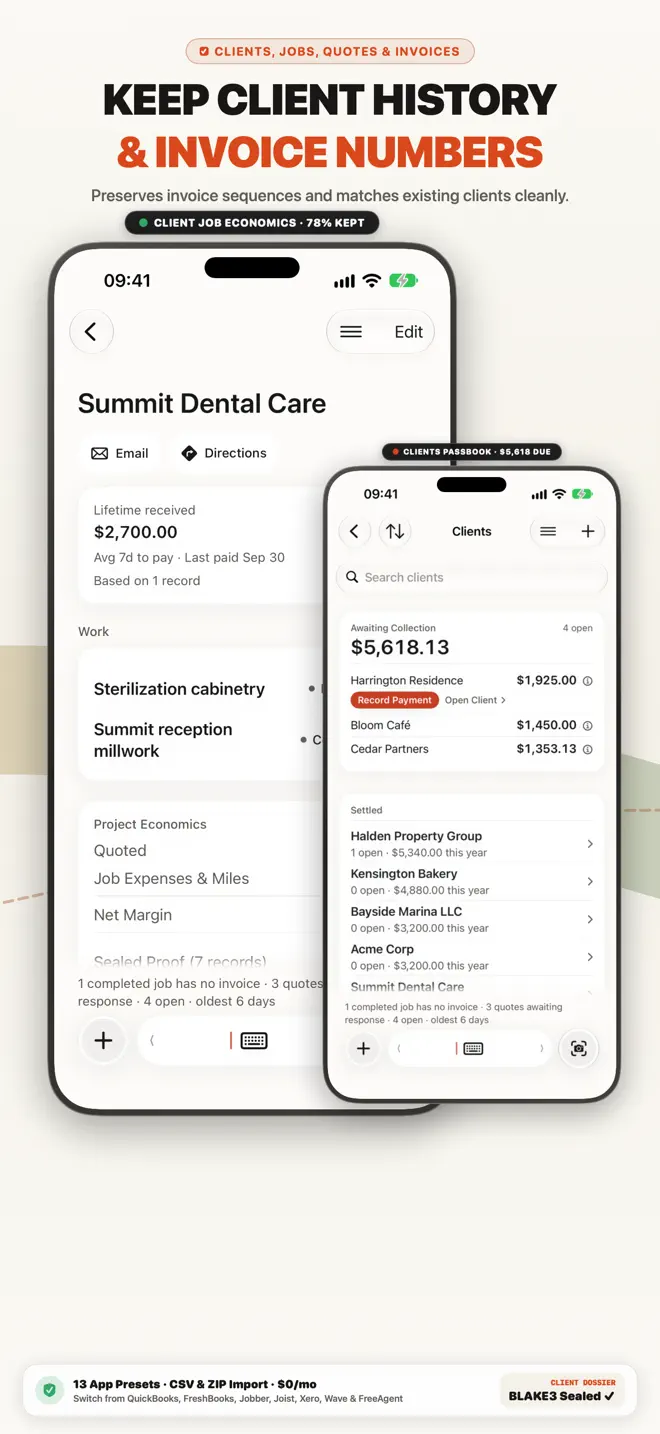
A small CRM built in: each customer’s jobs, invoices and payment history in one place.
Invoices
Clean PDF invoices with taxes, discounts and payment terms, sent by email, Messages or WhatsApp. Add a payment QR code; line items you have used before are suggested, priced from your own history.
Expenses
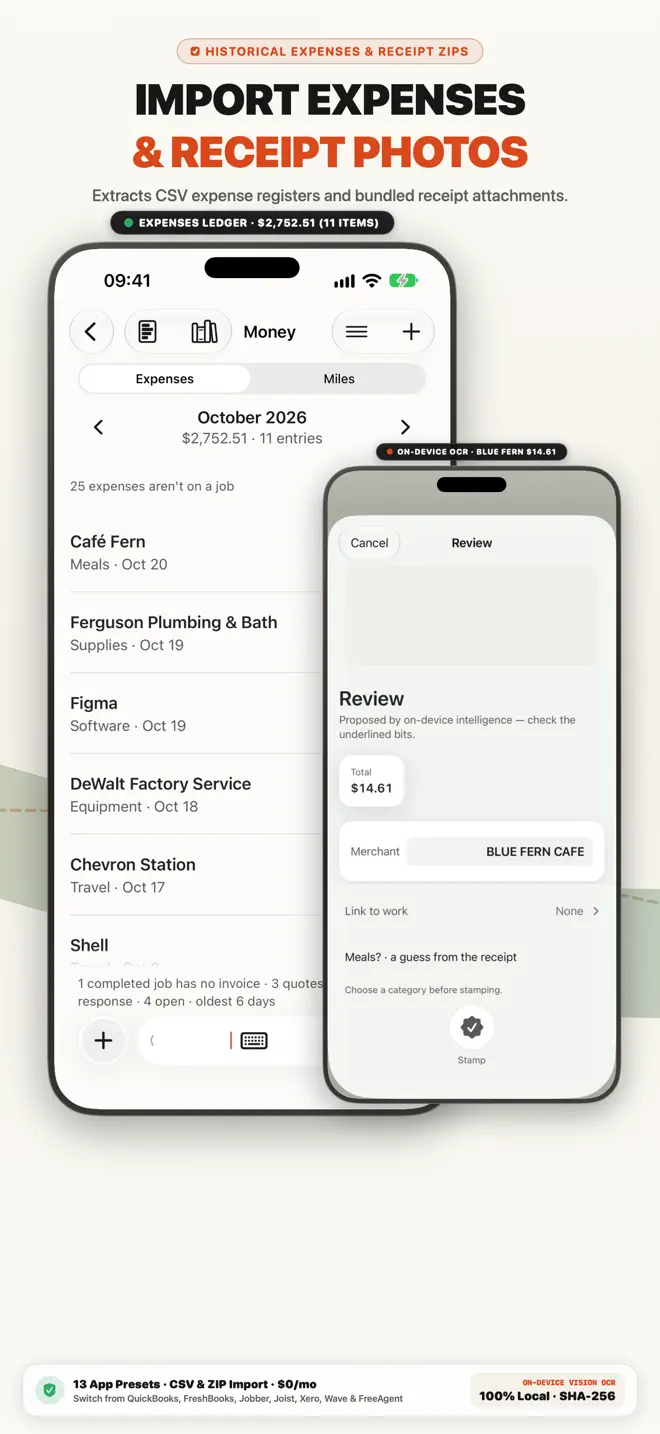
Every expense recorded with its category and its receipt, under the job it belongs to — so you can see what each job cost.
Jobs
Every expense and invoice is a step of a job, and all of it is kept with that job — so you can see what a job cost and what you billed.
Mileage
Record business trips as you go, and keep the mileage log with the rest of your records.
5-Folder Pack5-Folder Pack
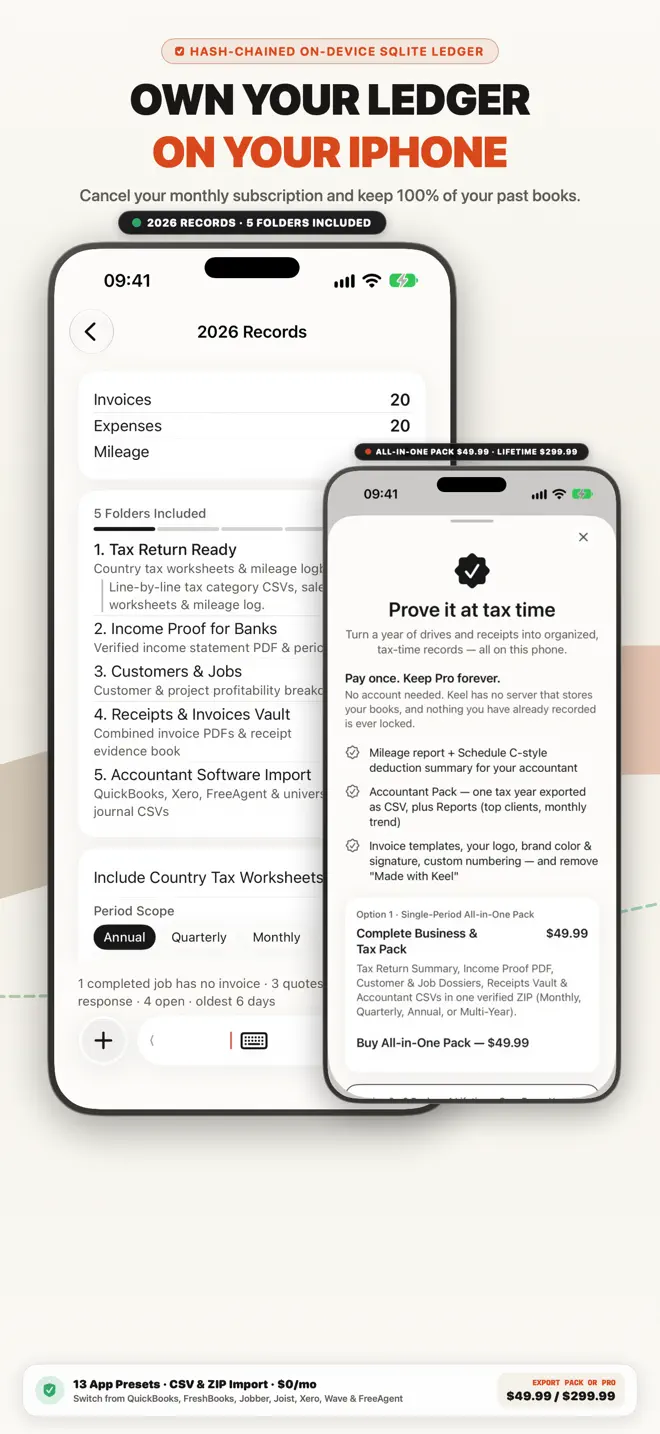
At filing time, Keel compiles your 5-Folder Statutory Pack — supporting worksheets, mileage logs, income proof, job profitability, and accountant CSVs — built from the books you already keep.
Try our browser tools with no login required, or compare how Keel stacks up.
17 guides in this edition
Every guide below answers a question this edition is built for, and opens this same App Store page.
Free to download on the App Store. Free to download · No bank connection.
Search every guide in the Business Library — invoicing, expenses, mileage, tax and the rules where you work.