Estimates
Quote the work
Write the estimate on site and send it while the customer is still standing there. When they say yes, it becomes the invoice in one tap — Today flags accepted quotes ready to convert.
Keel for iPhone · by Ilura Technology
Quote the job, keep the receipts and miles under it, turn the estimate into the invoice and see who still owes you — all on your iPhone, so customers pay sooner and tax time is already sorted.

The invoice
Built from the accepted estimate, with the job’s lines and your payment link on it.
The receipt
Photographed at the counter and filed under the job, so the cost and the proof stay together.
What is yours
Cash minus a tax reserve, committed bills and your buffer — what you can actually spend.
For contractors & trades
Write the estimate while the customer is still standing there. When they say yes, it becomes the invoice — with the job’s costs already under it.

For one-person service businesses
Open the job and see what it cost, what you billed and what is still owed. Or just type what you need into the dock instead of tapping through screens.
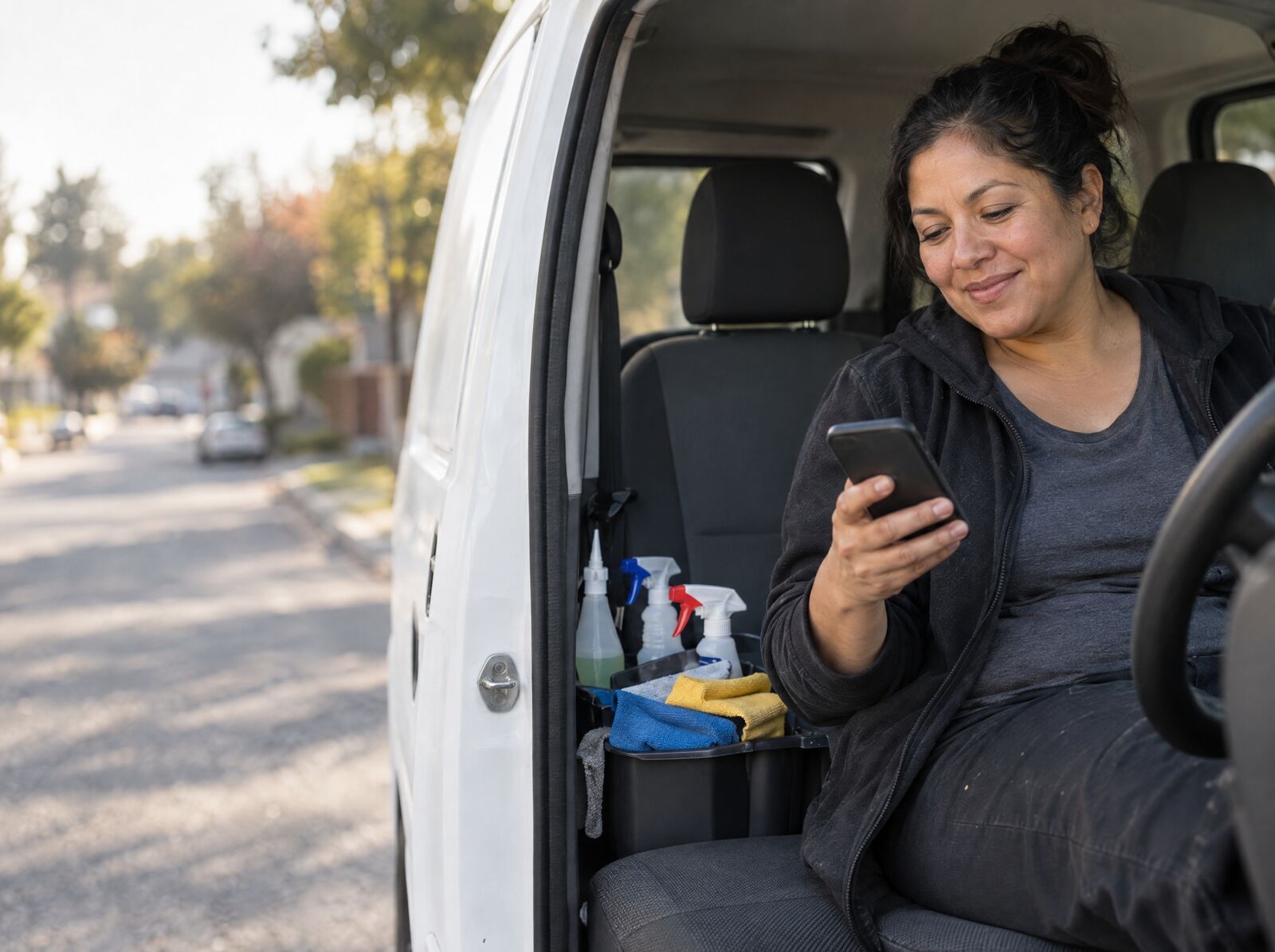
For freelancers
Today opens with what needs your call. When an invoice is late, Keel drafts the reminder; you read it, change it if you like, and send it.

All year, then at tax time
Photograph receipts and log trips as you go. At year end, hand your accountant a clean record — not a shoebox.


Not sure where to start? Find your setup in 30 seconds →
How Keel works
Keel isn’t a drawer of separate tools. Every customer has jobs, and every job holds its own quote, receipts, trips, invoice and payment — so one job tells you what it cost, what you billed and what is still owed. You can run all of it by typing into the dock instead of tapping screen by screen.

Start the job and send the estimate from your phone while you are still on site. It opens a job that everything after this belongs to.
In KeelPhotograph the receipt at the counter and file it under the job, so the cost and the proof stay together.
In KeelRecord the trip in seconds and keep it with the rest of your records. No always-on GPS tracking.
In KeelThe accepted estimate becomes the invoice in one tap. Send a clean PDF with your payment link before you leave the driveway.
In KeelToday opens with what needs your call — overdue invoices, accepted quotes, finished work to bill — and the customer’s record shows what they still owe.
In KeelHand your accountant the year as one package — accountant-ready exports and a tax deduction report, built from the books you already kept.
Keel LifetimeWhat Keel does
Everything here is in the version on the App Store today, and all of it is free.
Estimates
Write the estimate on site and send it while the customer is still standing there. When they say yes, it becomes the invoice in one tap — Today flags accepted quotes ready to convert.
Jobs
Every quote, estimate, expense and invoice is a step of a job, and all of it sits under that job — so you can see what a job cost, what you billed and what is still owed.
Customers
A small CRM built in: each customer’s jobs, invoices and payment history in one place. When someone is late, Keel drafts the reminder — you approve it before anything is sent.
The dock
Type what you want done — “quote the Harbor St. deck repair” — and Keel prepares it from the dock for you to check. No tapping screen by screen.
Invoices
Clean PDF invoices with taxes, discounts and payment terms, sent by email, Messages or WhatsApp. Add a payment QR code; line items you have used before are suggested, priced from your own history.
Receipts
Photograph a receipt while it is still in your hand and file it against the customer or the job. The photo stays on your iPhone.
Expenses
Every expense recorded with its category and its receipt, under the job it belongs to — so you can see what each job cost.
Mileage
Record business trips as you go, and keep the mileage log with the rest of your records. No always-on GPS tracking.
Who owes you
Today opens with what needs your call: overdue invoices, accepted quotes, finished work waiting to be billed. The Outstanding widget shows who has owed you the longest.
Freeboard
Your bank balance shows money that is already spoken for — by tax, by bills, by the buffer you keep. Freeboard takes those out and shows one number you can spend or pay yourself. It updates when you invoice or log an expense. A planning estimate, not tax advice.
Who Keel is for
One person, running their own work. Not a crew-dispatch system, not payroll, not accounting software for a finance team.


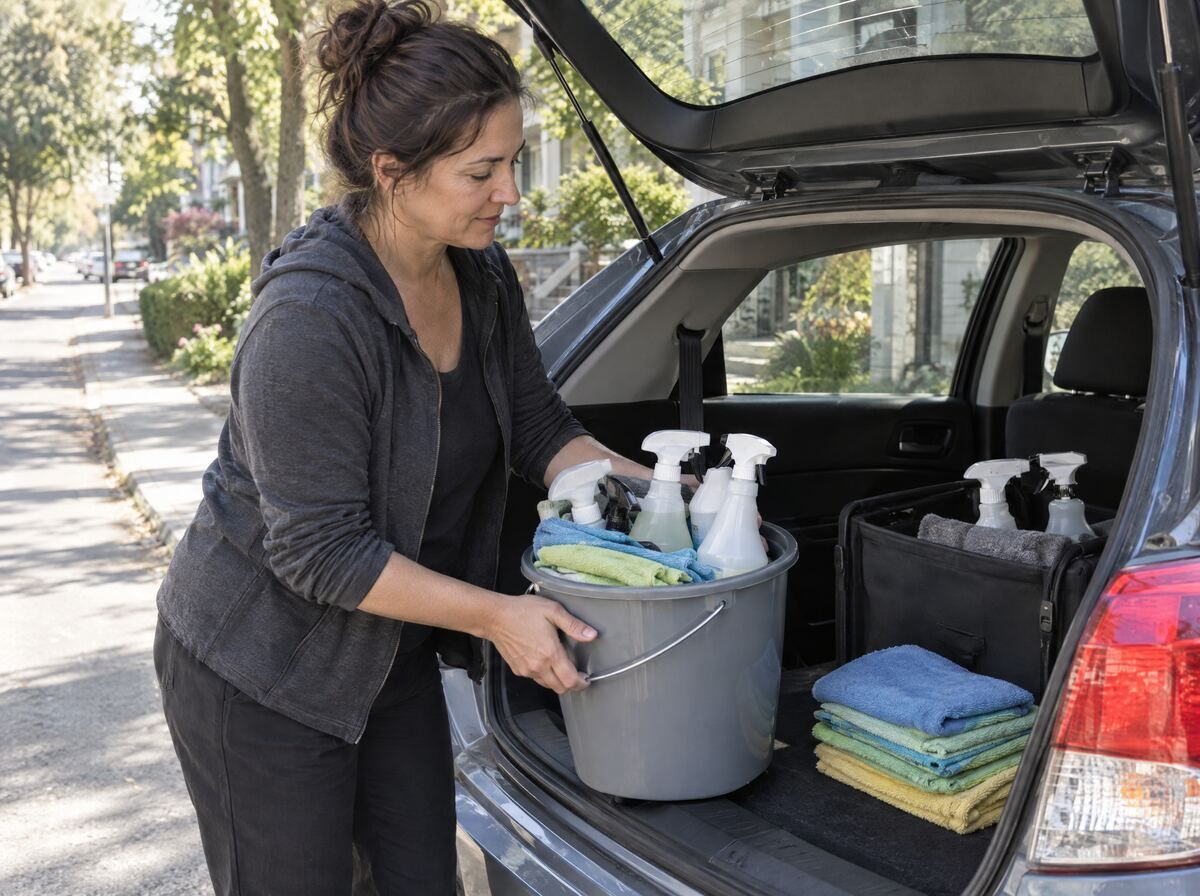
Pick your trade
Each trade has its own room: how it prices, how to quote it, the invoice the customer expects and what to do when they pay late — in the order the job happens.
Find your setup · 30 seconds
Your work, where you work, and what eats your time. You get the guides to read first, a free tool to try, and the parts of Keel that fit. Your answers stay in your browser.
Why Keel
No chart of accounts, no dashboards to configure, no setup call. Open it and send the first invoice.
For the person doing the work — not a finance department, a crew dispatcher or an enterprise bookkeeping team.
No account and no bank login. Your books live on your iPhone; the App Store privacy label is Data Not Collected.
Nothing imports from a bank feed, and Keel does not file your taxes. It keeps the records your accountant needs.
Business Library
661 plain-English guides on quoting, invoicing, expenses, mileage, tax and the rules that apply in the United States, Canada, Australia and New Zealand.
New to working for yourself? Start with the start-here guides →
Free business tools
No signup, no email, nothing uploaded. When you would rather not start from zero next time, Keel keeps the numbers on your iPhone.
Pricing
Estimates, invoices, jobs, receipts and mileage are free, with no invoice limit. Keel Lifetime is one purchase for your branding, premium templates and accountant exports.
Keel
Free
Everything you run the work with. No trial clock, no invoice limit.
Keel Lifetime
$249.99 one-time purchase
Your brand on every document and the year ready for your accountant. One purchase — no subscription, no renewal.
Free invoices carry a small “Made with Keel” footer. Prices in USD. The App Store shows your local price before you buy.
Questions
People who run their own work: independent contractors and tradespeople, freelancers, and one-person service businesses. Keel keeps the business side — quotes, jobs, customers, invoices, receipts, expenses, mileage and the year-end file — on your iPhone. It is not crew dispatch, payroll or accounting software for a finance team.
Keel is free to use, with no invoice limit. Keel Lifetime, a one-time $249.99, adds your branding and signature, premium templates and accountant-ready exports. No subscription. The free app includes unlimited estimates and invoices — turn an accepted estimate into the invoice in one tap; jobs and customers: every quote, expense and invoice kept under its job; receipts and expenses, organised by customer or job; mileage records. Prices in USD. The App Store shows your local price before you buy.
No. There is no account and no sign-in. Your records live on your iPhone, and the App Store privacy label is Data Not Collected.
No, by design. There is no bank login and no aggregator holding a copy of your transactions. The honest tradeoff: nothing imports itself, so you add an expense by hand or by photographing the receipt.
Photograph a receipt and Keel reads the merchant, total, tax and date on your iPhone. It proposes the values; you check them and stamp the receipt. The photo never leaves the phone.
Yes. Pick a customer, add a line, send a clean PDF — or type it into the dock ("invoice Acme $1,500 for the deck repair") and confirm the draft. If you quoted the job first, the accepted estimate becomes the invoice in one tap. You can add your own payment link as a QR code.
Every customer has jobs, and every job holds its own steps: the quote or estimate, the expenses and receipts, the invoice and the payment. Open a job and you see what it cost, what you billed and what is still owed. A small built-in CRM keeps each customer's history and drafts a reminder when someone is late.
No. Nothing leaves Keel automatically. When an invoice is late, Keel drafts the reminder message; you read it, change it if you like, and send it yourself. The same goes for quotes and invoices you prepare from the dock.
Freeboard is one number: your cash, minus a tax reserve, minus the bills you have committed to, minus a buffer you set — what is actually yours to spend or pay yourself. It is a planning estimate, not tax advice.
No. Keel keeps the records and estimates what to set aside. At year end, Keel Lifetime's accountant-ready exports hand your accountant the year as files they can open.
Yes for invoices, receipts, expenses and trip logging. Freeboard's tax reserve and the built-in mileage rate use US figures today, so check your local rate with the CRA, ATO or IRD. The Business Library has guides written for each of those markets.
If you want privacy and no bank connection, yes: Keel runs on your iPhone with no account and no bank link, while QuickBooks Solopreneur, Everlance and Keeper are cloud-based and bank-connected. The tradeoff is that Keel does not import transactions from a bank feed and does not file taxes for you.
Free to use. No account. Ilura Technology builds Keel.
Search every guide in the Business Library — invoicing, expenses, mileage, tax and the rules where you work.