
Material + labour quoting
Separate timber, composite decking, hardware and labour lines clearly—then convert to an invoice in one tap.
App Store Edition · Carpentry, Framing & Decking · US · CA · AU · NZ · UK
Timber prices move fast, and one unbilled lumber yard run can wipe out the margin on a deck, framing package or trim-out job. Keel lets carpenters, chippies and joiners build detailed material-and-labour quotes, snap timber dockets at the yard and bill stage payments on iPhone. Free to download on the App Store.

Free to download · No bank connection · App Store Custom Product Page matched

Free freelance estimate maker
Fill it in, then download a PDF. Nothing you type leaves this page. No signup.
Your business name
Prepared for
Client name
| Description | Qty | Unit | Rate | Amount |
|---|---|---|---|---|
| Project work, as agreed in the brief | flat | |||
| Hourly work | hours | |||
| Additional revisions beyond the agreed scope | each | |||
| Reimbursable expenses (receipts attached) | flat |
Subtotal0.00
Tax (0%)0.00
Total0.00
✓ Verified Itemized Record · Statutory Tax & Audit Format
Issued with Keel — Free Private iPhone Invoicing (App Store) · Retain this copy for statutory tax, payment, and warranty substantiation.
Save your estimate in Keel iCloud Workspace & download PDF
Sign in with your Apple ID in 1 tap to save this estimate to your 5 free iCloud records, export a clean PDF, and open it on your iPhone for unlimited invoicing.
Sign in with your Apple ID (iCloud) to save your estimate and export PDF/CSV.
Step 2 · Want unlimited invoices, saved clients & payment tracking? Open your iCloud Workspace on iPhone below.
Official App Store Custom Product Page · Carpentry Framing and Decking
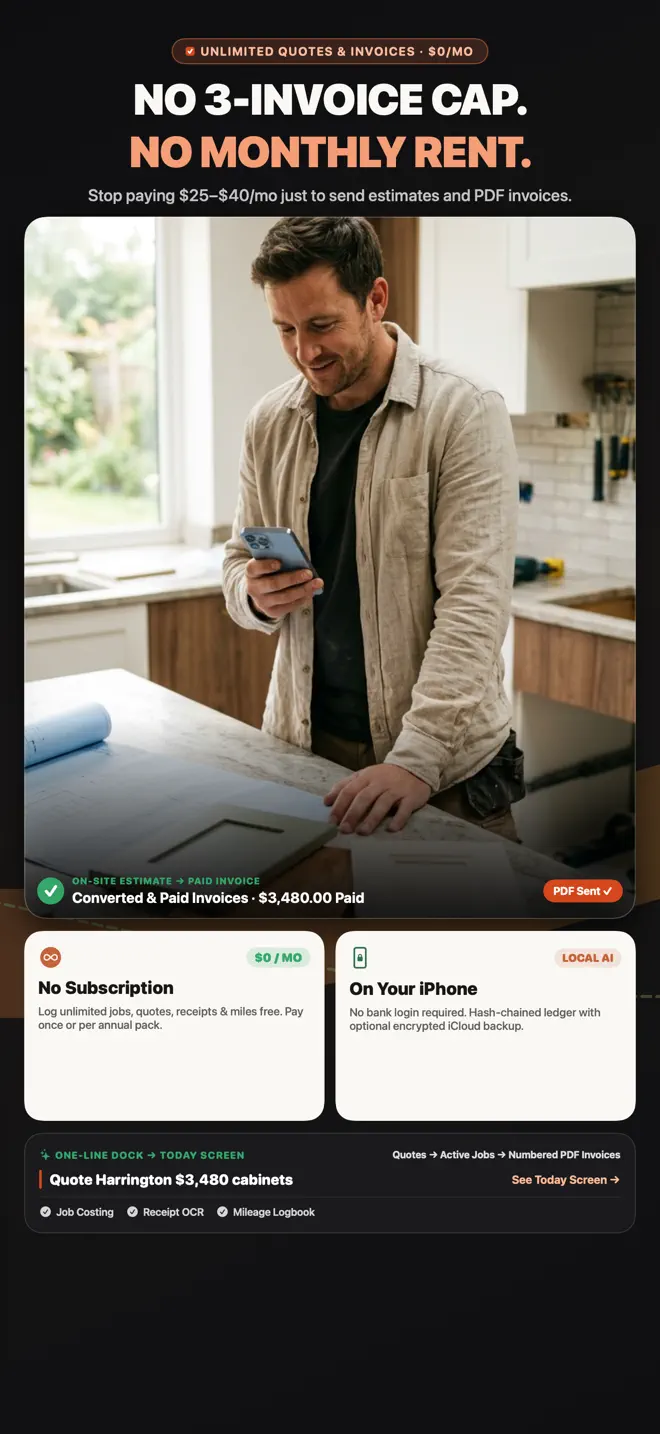
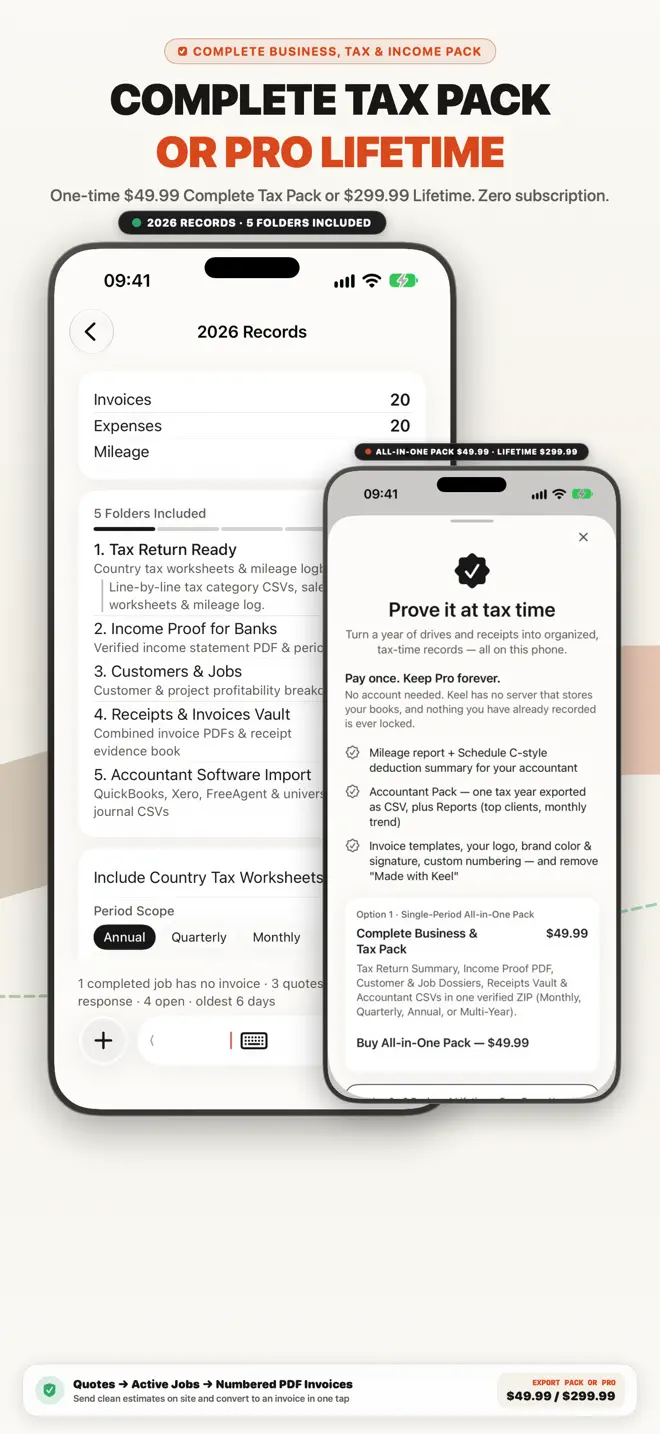
Built for carpenters, chippies & deck builders: timber & hardware price memory, deposit & stage invoices, lumber docket OCR & 5-folder Tax Packs on iPhone.
Carpenters, Framers, Deck Builders, Chippies & Joiners
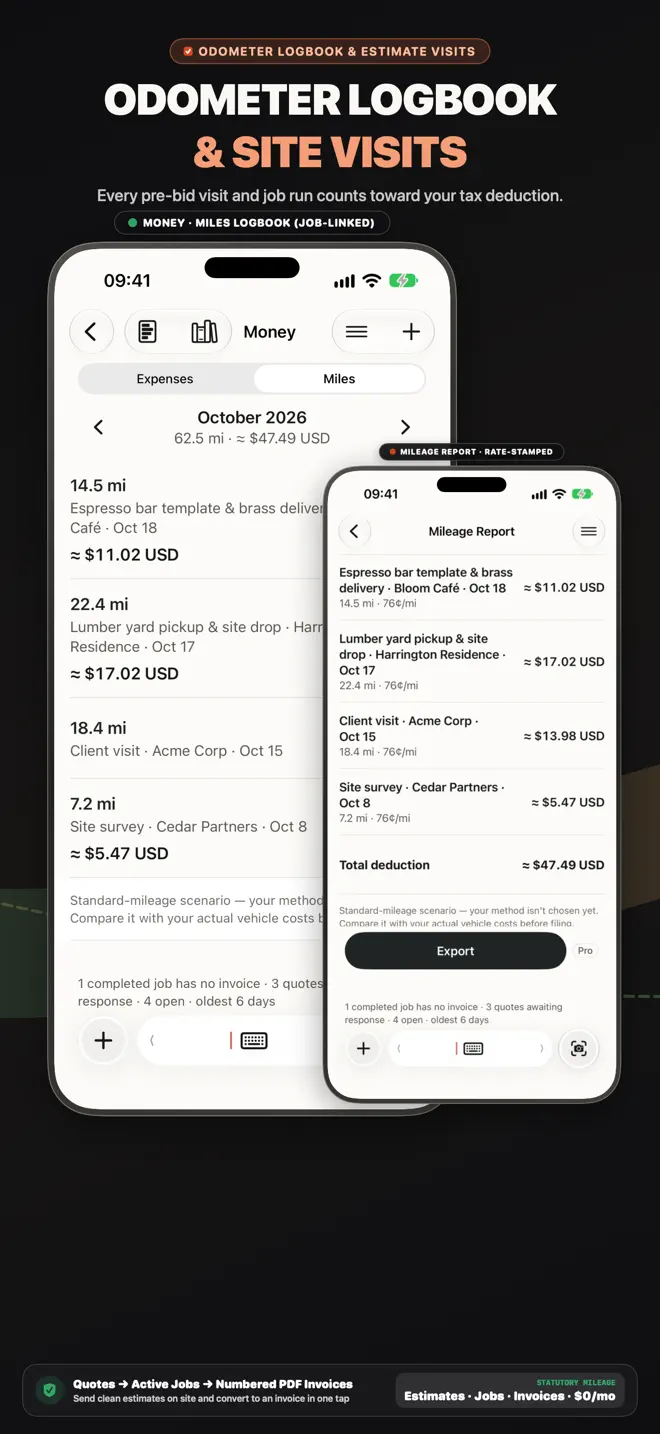
Stop guessing whether you made money after timber, fasteners, concrete footings and hardware runs. Keel links every lumber docket and truck mile to the job.
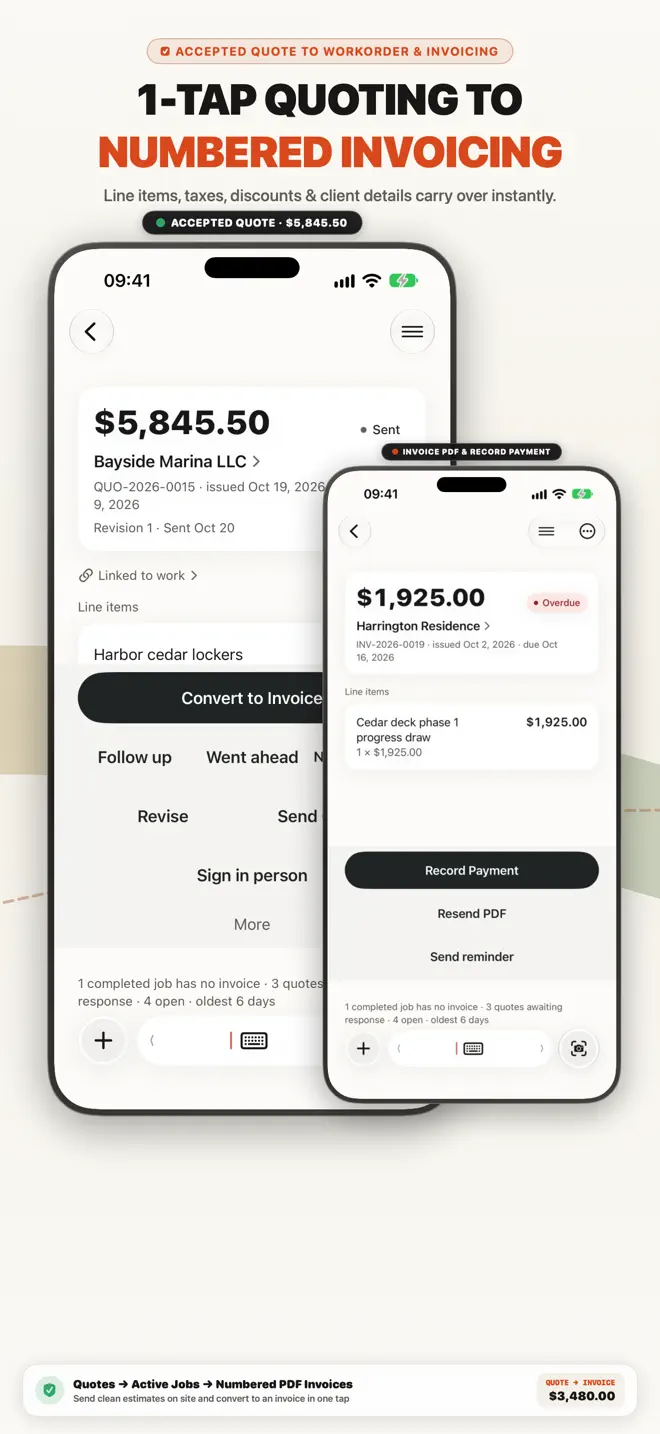
Separate timber, composite decking, hardware and labour lines clearly—then convert to an invoice in one tap.
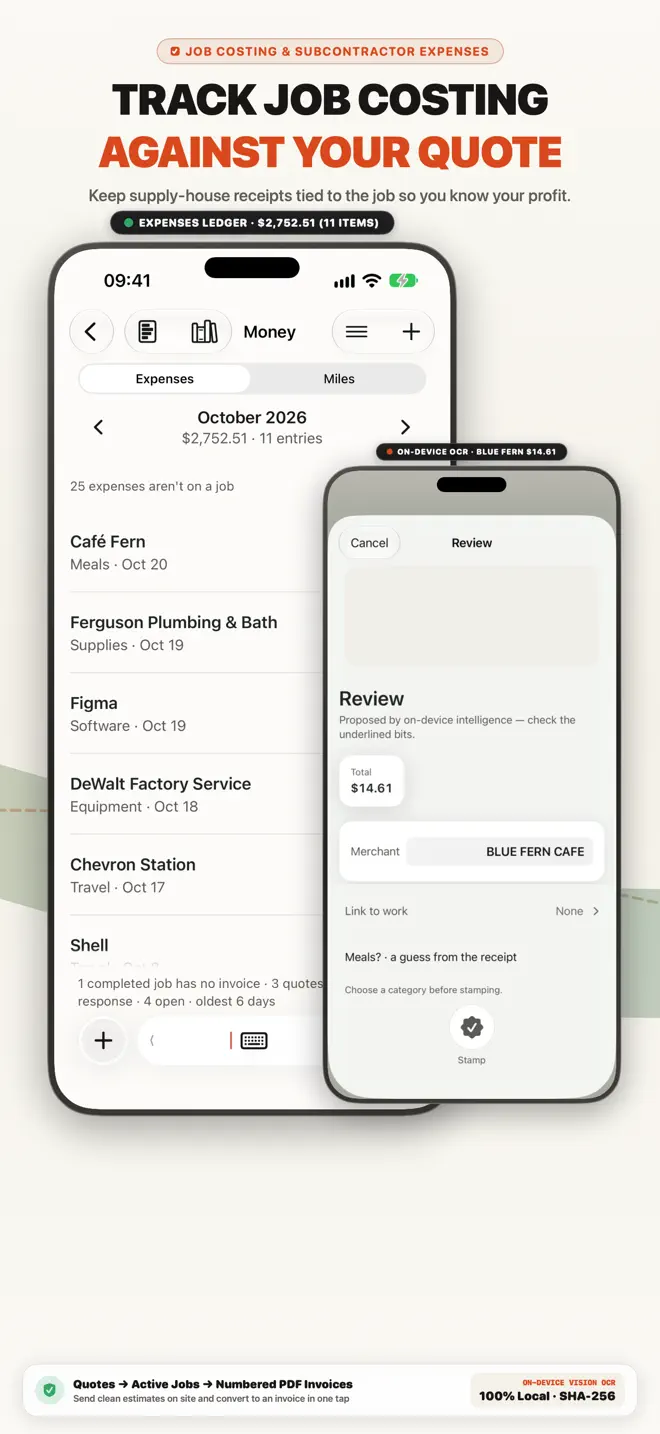
Snap Home Depot, Lowe’s, RONA, Bunnings, Mitre 10 or Travis Perkins dockets before they leave the tailgate.
Keep signed scope notes, site photos, change orders and payment history in a single job file.
Built for solo operators, first-time business owners and 1–5 person crews.
Free to download on the App Store.
Estimates
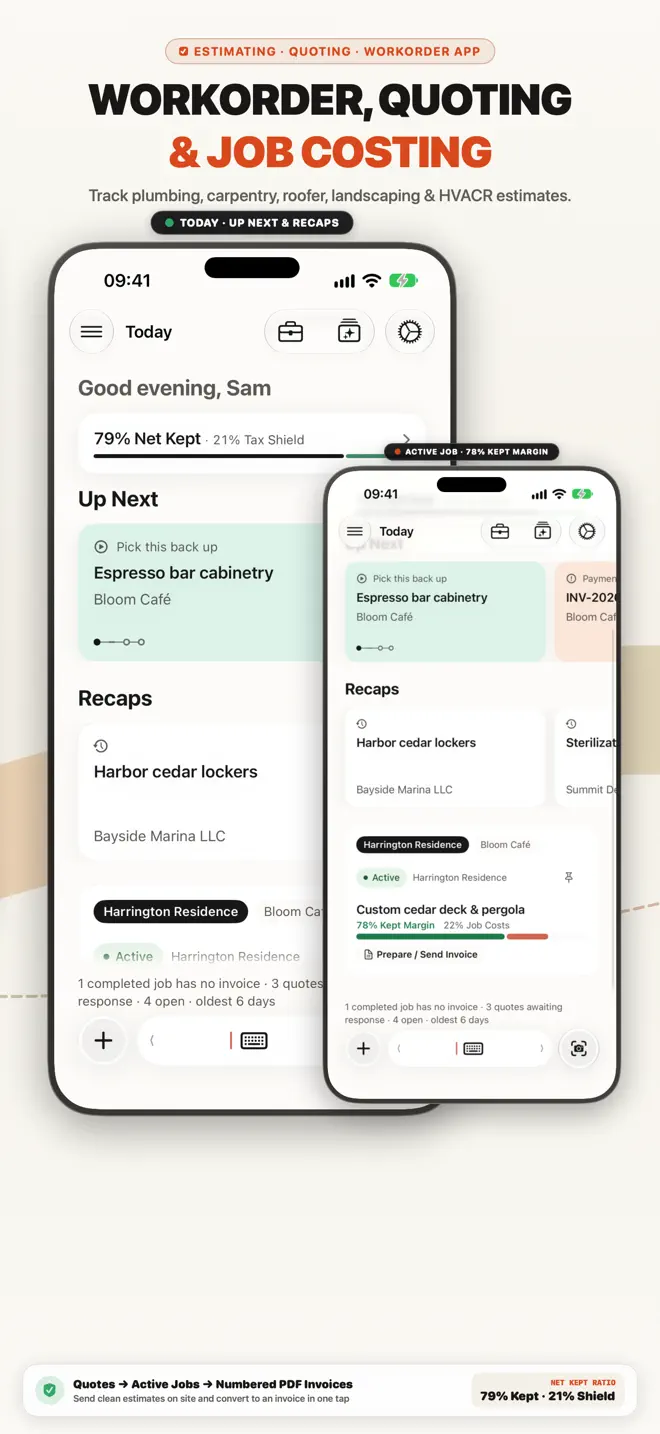
Write the estimate on site and send it while the customer is still standing there. When they say yes, turn it into an invoice draft — Today flags accepted quotes ready to convert.
Jobs
Every expense and invoice is a step of a job, and all of it is kept with that job — so you can see what a job cost and what you billed.
Invoices
Clean PDF invoices with taxes, discounts and payment terms, sent by email, Messages or WhatsApp. Add a payment QR code; line items you have used before are suggested, priced from your own history.
Receipts
Photograph a receipt while it is still in your hand and file it against the customer or the job.
Mileage
Record business trips as you go, and keep the mileage log with the rest of your records.
Customers
A small CRM built in: each customer’s jobs, invoices and payment history in one place.
Try our browser tools with no login required, or compare how Keel stacks up.
4 guides in this edition
Every guide below answers a question this edition is built for, and opens this same App Store page.
Free to download on the App Store. Free to download · No bank connection.
Search every guide in the Business Library — invoicing, expenses, mileage, tax and the rules where you work.